

UV Sterilizer Setup and Maintenance: Controlling Algae, Bacteria and Parasites
You'll learn how to set up your UV sterilizer, dial in the right flow rate for your goals, and keep it working properly through maintenance and bulb replacement.
Equipment · Detailed tutorial · About 12 minutes · Beginner friendly
The key habit: Set your UV sterilizer to the right flow rate for your goal—slow flow targets parasites, faster flow tackles algae and bacteria—and clean the quartz sleeve monthly to keep it effective.
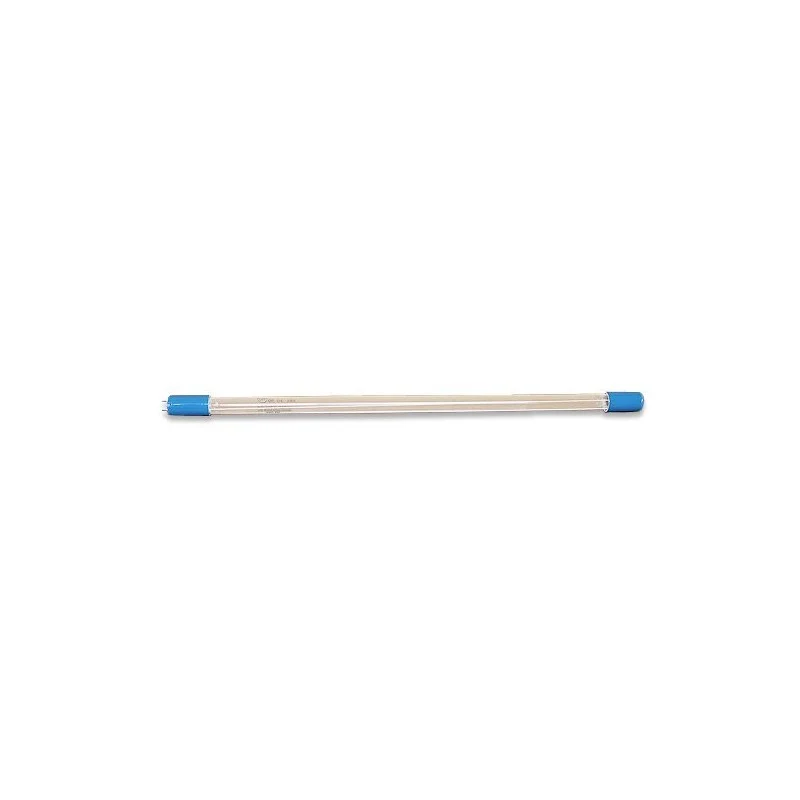
Shop the Advantage 2000+ Lamp (15 Watt) – Aqua UV
In this guide
- What UV sterilizers do and when to use one
- Sizing and flow rate for your tank
- Where to plumb it in your system
- Setting the right flow rate for your target
- Initial setup and testing
- Monthly maintenance and bulb care
- When to replace your bulb
1. What UV sterilizers do and when to use one
UV sterilizers work by passing tank water over an ultraviolet bulb – the UV light kills off the bacteria, algae and parasites in the water before returning it to the tank. A UV sterilizer emits ultraviolet light rays into your aquarium water which can effectively damage the DNA of harmful bacteria, parasites, and algae which then reduces the proliferation of these pests in your aquarium.
Important to know: UV sterilizers are not killing pathogens or eliminating them completely but rather reducing the free-floating population in your aquarium which then reduces the negative effects. UV sterilizers only target free-floating organisms in the tank water – they will not have any effect on algae that has already adhered to tank surfaces or on bacteria and parasites that have already infected your fish.
When set up correctly an Ultraviolet Sterilizer can improve water clarity, slow the spread of algae, reduce dinoflagellates, and prevent outbreaks of disease and parasites.
2. Sizing and flow rate for your tank
UV Sterilizers are rated via wattage. Larger tanks require higher wattage UV sterilizers and simply use the manufacturer's recommended tank ranges. The Advantage 2000+ at 15 watts is suited for smaller to medium tanks—check Aqua UV's website for the recommended gallonage for this specific model.
Flow rate is critical. A reef tank UV sterilizer should turn over the entire volume of your aquarium 1.5 times per hour. To ensure your UV sterilizer can meet your needs, you need to ensure that the "effective" flow rate will equal 1.5 times your total tank and sump water volume. For example, a 50-gallon tank with a 20-gallon sump needs 1.5 × 70 = 105 gallons per hour through the UV.
3. Where to plumb it in your system
Water should be pulled from the sump, go through the UV, and then returned to the display. You want all of the water to pass through the UV as it makes its way through your filtration before heading back into your display. This can be plumbed inline using your return pump and is often the preferred route for this very reason, you don't need an extra pump to run the UV.
You should avoid pulling from the sump and returning back into the sump because you will essentially bypass other forms of filtration and recycle the same water over and over again through your UV.
4. Setting the right flow rate for your target
Different flow rates work better for different organisms:
- For algae and bacteria: The higher flow rates are used to target bacteria and algae while the slower flow rates are used to target protozoa (disease-causing parasites).
- For parasites: Slower flow means longer exposure time. The organisms stay in the UV light longer, which is needed for parasites to be damaged.
Your sterilizer will come with a chart from Aqua UV showing the flow rates to use. Start at the flow rate recommended for your primary goal.
5. Initial setup and testing
Gather before you start
- Aqua UV's manual for the Advantage 2000+ (check the packaging or aqua-uv.com)
- A powerhead or pump to drive water through the sterilizer
- Vinyl tubing that fits your sterilizer's inlet and outlet ports
- Tank connectors or valve fittings
- A bucket for testing
- Install the quartz sleeve. Insert the quartz sleeve into the dedicated groove in the center bottom of the UV Vessel. With the flat blue seal in place firmly lock the housing tightly to the UV Vessel. The quartz protects the lamp and lets UV through.
- Perform a leak test. Use water to test whether the seal is capable of holding water. If leaking check to ensure the seal is evenly pressed upon the housing. If no leak occurs upon testing proceed to step 3.
- Connect the tubing. Attach vinyl tubing to the inlet (lower port) and outlet (upper port). The inlet comes from your sump; the outlet goes back to your display.
- Plug it in and check flow. Turn on the pump feeding water to your UV. Water should flow steadily—not dripping, not gushing. Adjust your pump or add a valve to dial in the flow rate you planned.
- Run for 10 minutes. Check that tubing connections are tight and no water is leaking at the seals.
6. Monthly maintenance and bulb care
Cleaning the UV sterilizer regularly is necessary to ensure that it is functioning correctly. The quartz sleeve should be cleaned with a soft brush and a mild detergent to remove any buildup. It is essential to ensure that the quartz sleeve is not scratched or damaged during cleaning, as this can affect the performance of the UV sterilizer.
Once a month:
- Turn off the power. Always power down before you open the unit.
- Remove the quartz sleeve. Gently unscrew the vessel cap and slide the sleeve out.
- Rinse and brush gently. Use soft, lukewarm water and a soft-bristled brush or soft cloth. Mineral deposits and algae reduce UV output. Do not scratch the sleeve—scratches let UV escape and reduce effectiveness.
- Dry and reinstall. Pat dry with a soft cloth, then slide the sleeve back into place and hand-tighten the cap.
- Power back on. Turn the sterilizer back on once the sleeve is fully seated.
UV sterilizers can also interfere with chemicals and medications so, if you plan to use any of these products, you will need to turn the device off during the treatment period.
7. When to replace your bulb
The lamp in your Advantage 2000+ will gradually lose strength over time. Most UV bulbs last 6 to 12 months of regular use, depending on how many hours per day the sterilizer runs.
You'll know it's time to replace the bulb when:
- Algae begins to grow noticeably more on your glass and rockwork despite the sterilizer running
- The water no longer clears up as quickly as it used to
- You've had it running continuously for a year
When you replace the bulb, order the Aqua UV lamp rated for the Advantage 2000+ model, install it following Aqua UV's instructions, and reset your maintenance schedule.
What you notice and what to check next
| What you notice | What to check next |
|---|---|
| Water stays cloudy even after a week of running | Check your flow rate is correct per the manual. Check the quartz sleeve for mineral buildup—clean it. Check the lamp hasn't burned out. |
| Water clears quickly for the first week, then cloudiness returns | Flow may be too high—the organisms aren't exposed long enough. Reduce flow and try again. |
| No visible buildup inside the lamp, but the sterilizer runs but doesn't seem to work | The bulb may be at end of life. Bulbs dim gradually. Try a new bulb. |
| Algae growth slows on surfaces but free-floating algae hasn't decreased | You may have significant algae already on surfaces—UV only kills what floats. Keep running and it will help over time. |
| White crust or green film on the quartz sleeve after a few weeks | This is mineral and algae buildup. Clean the sleeve monthly. |
Your care log
Installed on: ______ Tank volume: ______ gallons Sump volume: ______ gallons
Flow rate set to: ______ GPH Target (algae/parasites): ______
First bulb replaced on: ______ Next bulb due: ______
Last quartz sleeve cleaned: ______ (aim for monthly)
Sources
Checked October 8, 2026. Reference addresses are plain text.
- Bulk Reef Supply, "5-minute saltwater aquarium guide: UV Sterilizer", https://www.bulkreefsupply.com/content/post/5-minute-saltwater-aquarium-guide-uv-sterilizer-plumbing
- Reefs.com, "UV Sterilizers for Reef Aquariums", https://reefs.com/forum/general-discussion/225465-uv-sterilizers-reef-aquariums-1.html
- Bulk Reef Supply, "Adding a UV Sterilizer to Your Reef Tank Can Be Easy", https://www.bulkreefsupply.com/content/post/adding-a-uv-sterilizer-to-your-reef-tank-can-be-easy
- RateMyFishTank.com, "UV Sterilizers for Reef Aquariums", https://www.ratemyfishtank.com/blog/uv-sterilizers-for-reef-aquariums
- Reef Tank Resource, "Reef Tank UV Sterilizer Guide (Pros, Cons, & Install)", https://reeftankresource.com/reef-tank-uv-sterilizer-guide-pros-cons-install/
- Coralvue, "IceCap UV Sterilizer User Guide", https://www.coralvue.com/blog/icecap-uv-sterilizer-user-guide
- Sunnyside Corals, "UV Sterilizer For Reef Tanks: Benefits And Usage", https://sunnysidecorals.com/blog/uv-sterilizer-for-reef-tanks-benefits-and-usage/